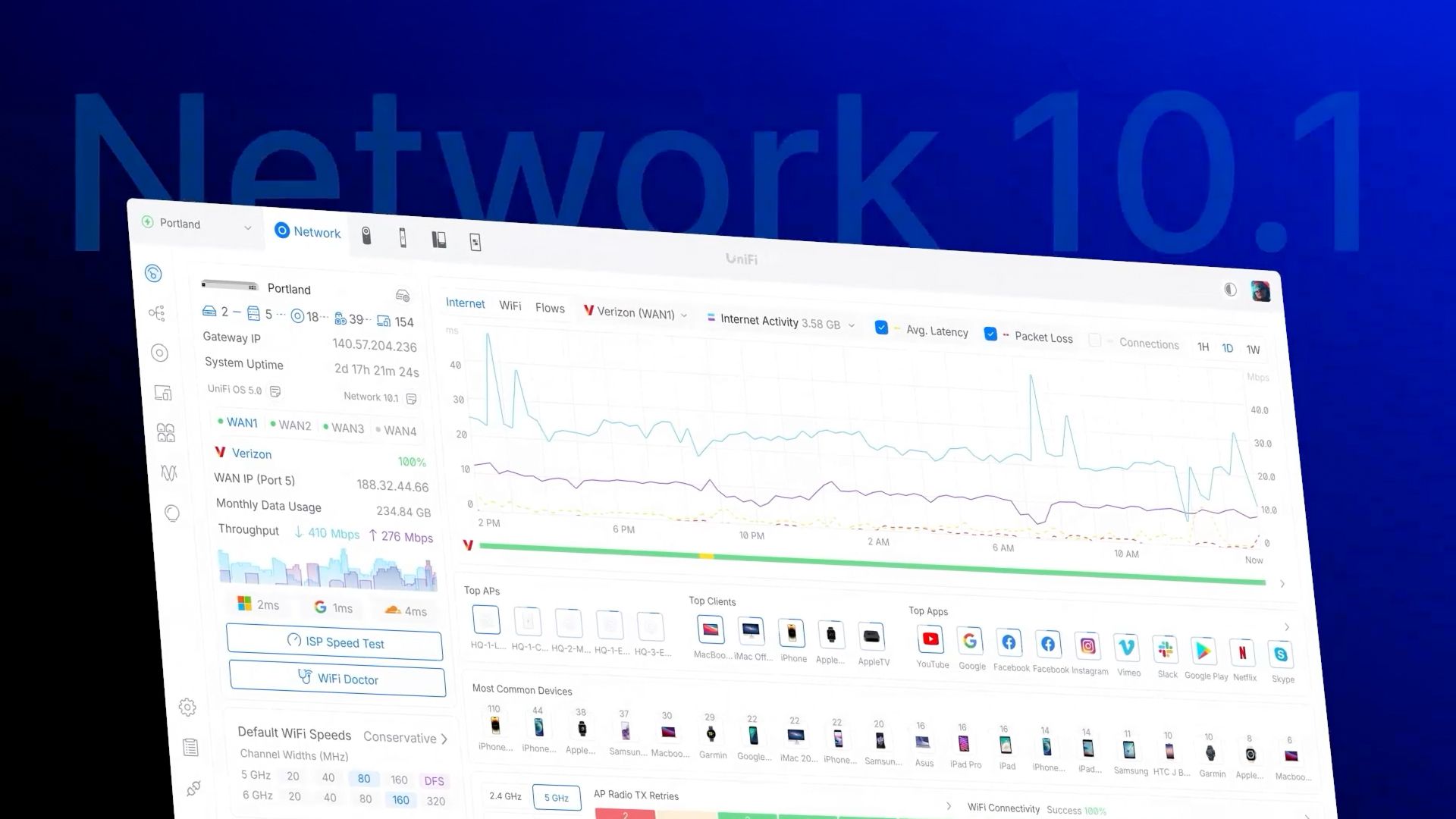
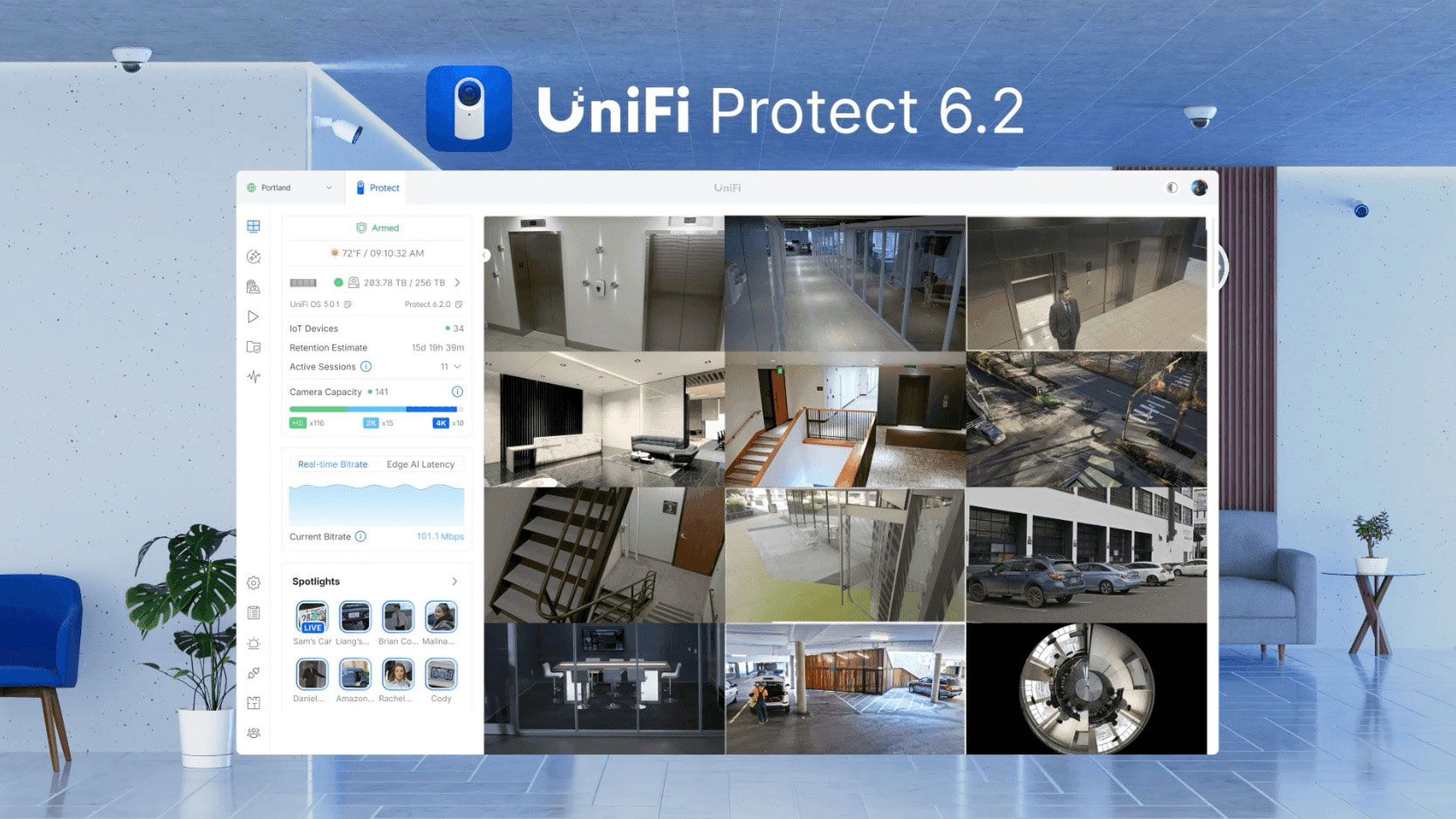
Ubiquiti just pulled back the curtain on something seriously exciting: UniFi Fabrics — a next-gen evolution of Site Manager that transforms how UniFi environments are managed across multiple sites, networks, and clients.
Whether you’re overseeing 3 locations or 300, this is the future of cloud-free, license-free, unified control.
What Is UniFi Fabrics?
It’s a hybrid cloud control plane built directly into UniFi Site Manager, giving you:
It’s like having your own private UniFi controller cluster — only smarter, faster, and designed to scale without the cloud tax.
With UniFi Fabrics, you no longer have to duplicate config across sites manually. Instead:
Perfect for:
Set it once, push it everywhere — zero repetitive click-ops.
See every device, log, alert, and feed across every site — without jumping between dashboards.
Imagine monitoring every site you manage from a single, clean interface — and it actually performing like it should.
UniFi Fabrics brings identity-based policy enforcement — not location-based assumptions.
Whether a user connects from home, office, or mobile — their access is defined by who they are, not where they are.
Fabrics enables true Zero Touch Provisioning across new or growing sites:
Perfect for:
UniFi Fabrics is built for automation:
If you’re automating with scripts, RMM, or infrastructure-as-code — this is exactly what you’ve been waiting for.
This isn’t a bolt-on feature — multi-tenancy is native.
If you’re an MSP or IT admin managing multiple UniFi networks, this is your new home base.
At Ionuvo, we’re already looking at this to streamline our multi-client infrastructure monitoring and policy deployment.
Available Now – With More to Come
UniFi Fabrics is live now for any site running UniFi Network 10 or above.
Just enable Early Access in Site Manager to get started with the first phase — with more functionality coming soon across all UniFi apps (Protect, Talk, Access, Drive, Identity).
Ready to Centralise, Automate & Scale?
Ionuvo can help you:
Contact us to discuss your multi-site setup.